There are tones of PE tools out there and lots of them are rehashing the very same ideas over and over again. It is easy to find numerous PE viewers, PE editors, PE dumpers, PE identification tools and so on and so forth. It is sad to see that many of them rarely reach quality and usability levels as the good-ol’ LordPE, PE Tools, or PEiD.
Still, there are gems out there that are not very popular, yet it is really worth having them at hand during reverse engineering sessions.
Here are two of them:
Extensive File Dumper
Pretty much everyone heard of IDA Pro and Hex-Rays Decompiler.
But how many heard of Extensive File Dumper?
The tool is freely available online on the Hex-Rays web page.
Go and grab it.
It is one of not so many dumping tools that supports crazy number of file formats – as per the Hex-Rays page:
EXE, NE, LE, LX, PE, NLM, XCOFF, COFF, OMF, DBG, PRC, PEF, OS9, N64, PSX, EPOC, AR, AMIGA, ELF, ECOFF, HP SOM, GEOS, OLE2, AIF, AOF, AOUT, PE+, OMF166, MachO, XE/XBE, JPG, CIFF, TMOBJ, MRW, TIFF, MPG, CWLIB XCP.DAT, WMF, DSO, PDB
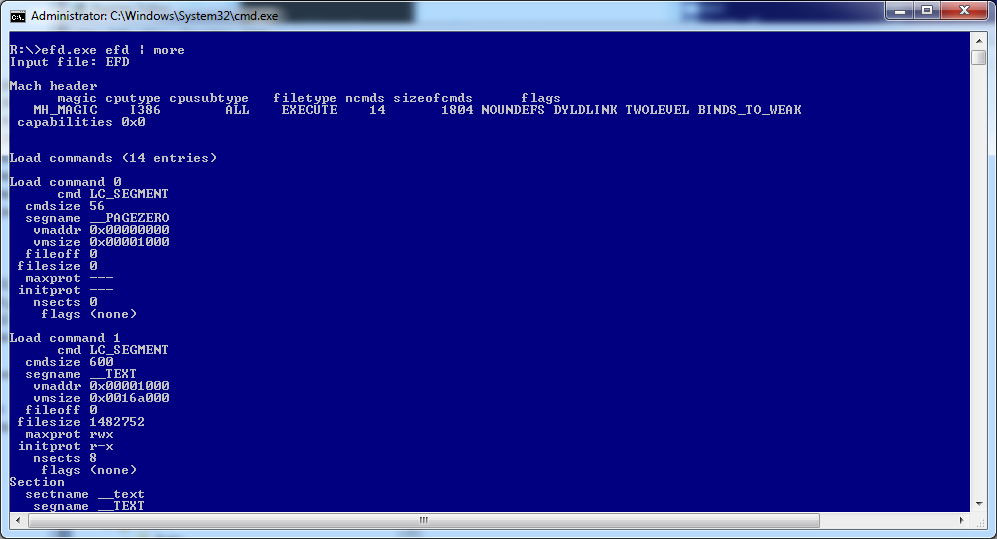
Notably, this is one of not so many tools available on Windows platform that parses Mac executable files – anyone wanting to view the internal info of Mac executables typically uses ‘otool’ on Mac. Being able to view similar info on Windows is really handy.
To spice things up, it is a multiplatform tool and Hex-Rays distributes it in 3 versions (refer to folders win, mac, linux inside efd.zip)
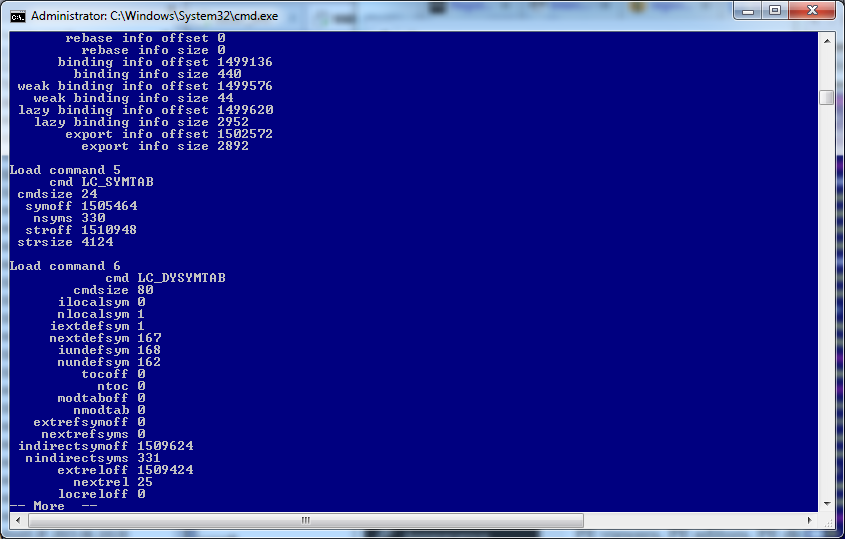
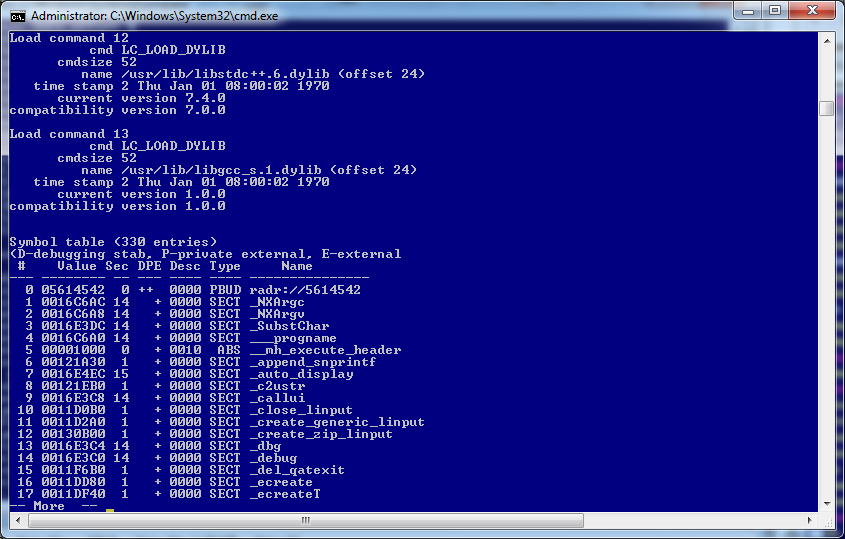
Example:
efd.exe showing info on the efd (MAC version)
Detect It Easy a.k.a. DIE
This is an awesome compiler/packer detector available on http://ntinfo.biz/.
The reason why it stands out?
Here are a couple:
- The author uses a dedicated signature engine to detect various types of files (not only PE)
- It recognizes nearly 1000 file types
- PE detection is based not only on patterns, but also on more complex algorithms – it can not only determine that a file is compiled f.ex. with Microsoft Visual Studio – it also give you the most probable version of the compiler + some extra info, if available
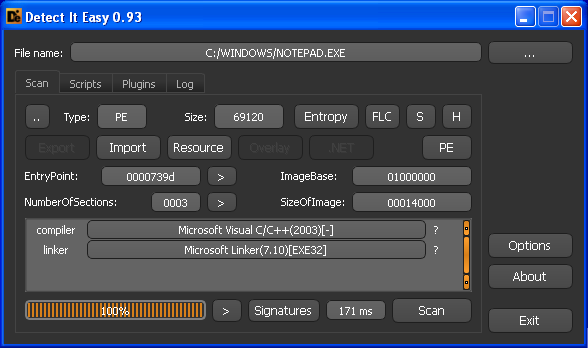
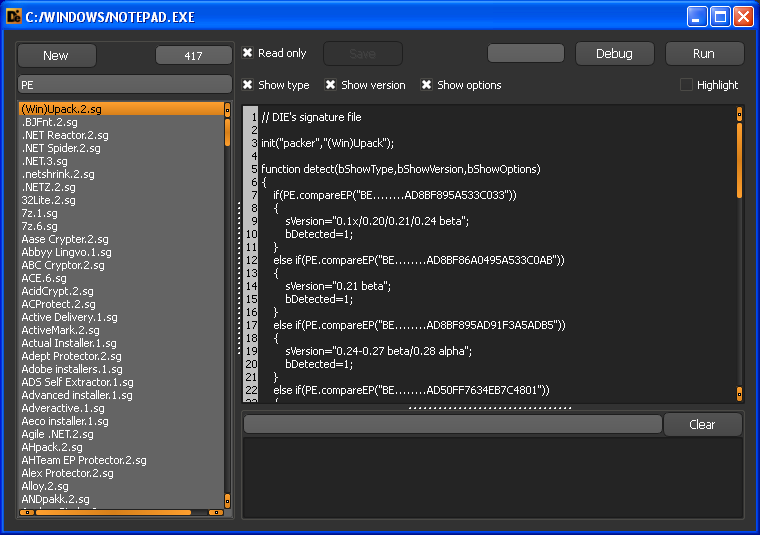
- Bonus: scripts are readable and you can view/modify algos (see db folder), or click Signatures button (after loading a file)
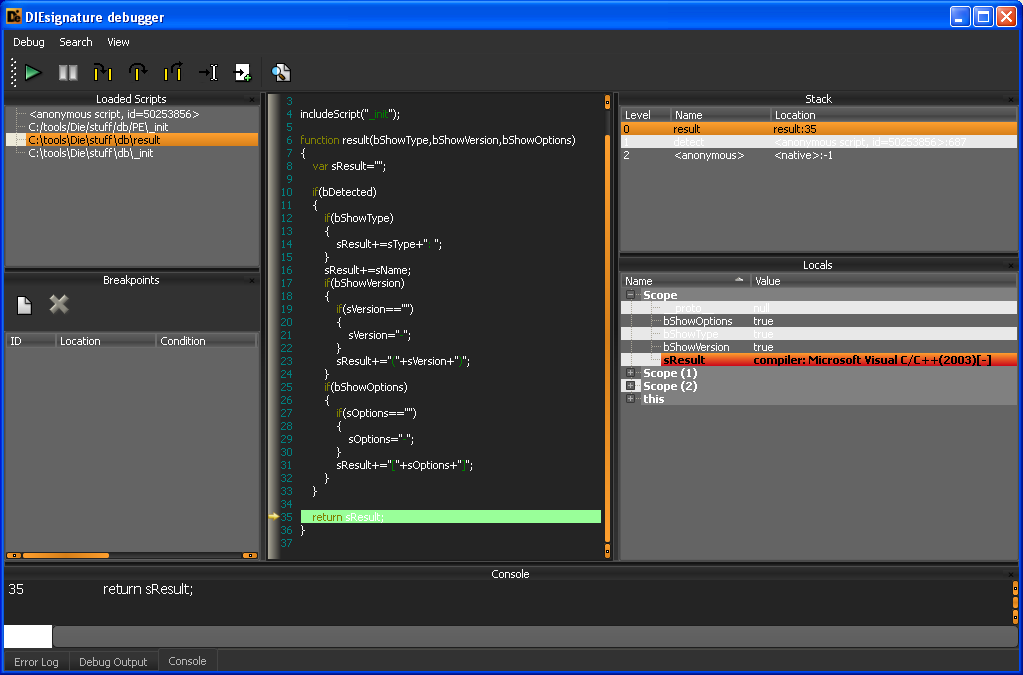
- Bonus#2: The scripts can be debugged !
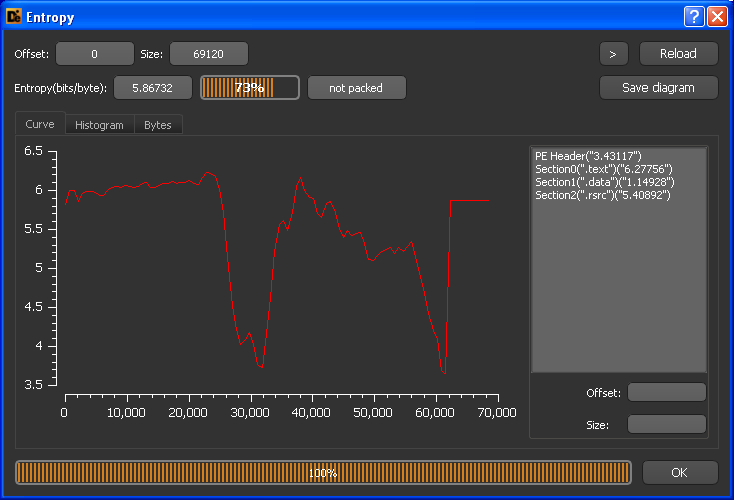
- It shows entropy of the file in a graphical way
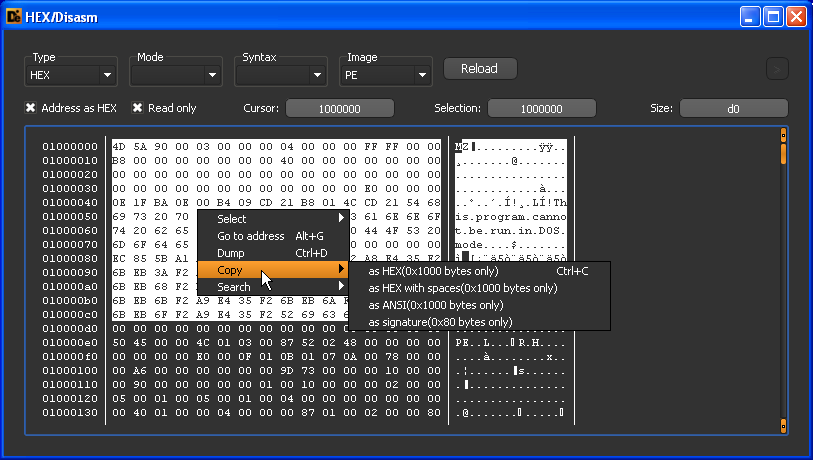
- Allows to copy snippets of data to clipboard in many ways + extract them as a binary
- PEiD is outdated and DIE is a nice alternative to have (you may also consider others f.ex. Exeinfo PE, RDG Packer Detector and ProtectionID)