Rundll32 goes to hell…

Parsing command line invocations is fun, because it’s impossible to do it right (all the time).

Imagine a test DLL that exports a function called foobar. We place this DLL in c:\test directory and name it like this:

test.dll, #666

We can then use rundll32.exe to execute the foobar function using the following syntax:

rundll32 "c:\test\test.dll, #666", foobar

A different version can use the following name:

test.dll,abcxyz

with the invocation:

rundll32 "test.dll,abcxyz", foobar

We do need quotes, because rundll32.exe does not accept file names with a ‘coma’ in them (for obvious reasons), and the full path is not needed if we are in the same directory, but the gist is that these are all proper DLL file names!:
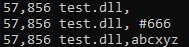
What your sophisticated regexes extracting DLL name and API’s ordinal number, or API name from this sort of invocations tell you today?

And then here’s another case for your consideration – create a test DLL with the following exports:

  • A
  • W
  • AA
  • AW
  • WA
  • WW

When you run the following invocations:

rundll32 c:\test\test.dll, A
rundll32 c:\test\test.dll, W

– which of these 6 exported functions will get executed?

I have provided an answer to this question a few years ago, and here’s the DebugView output:
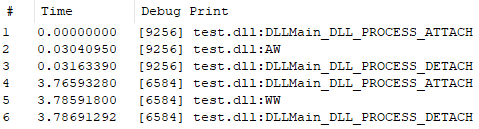
The bottom line is that you can’t use regexes for parsing command line invocations or make assumptions w/o running into many corner cases.
The art of overDLLoading

Some time ago I came up with a silly idea: i’d like to build an executable that statically links to most of the c:\windows\system32 libraries. It’s a non-sensical programming exercise, but it’s also an interesting challenge.

Forcing a static import of so many libraries into a single executable is actually a non-trivial task, and there are many approaches we can take to do it. Most of the high-level language-based avenues one can pursue here are kinda problematic though, because they are full of custom library building aka lots of troubleshooting. After looking at various programming languages I have eventually found myself looking at the assembly language compilers available out there. The incredible simplicity of generating your own, customized import tables offered by fasm immediately caught my attention.

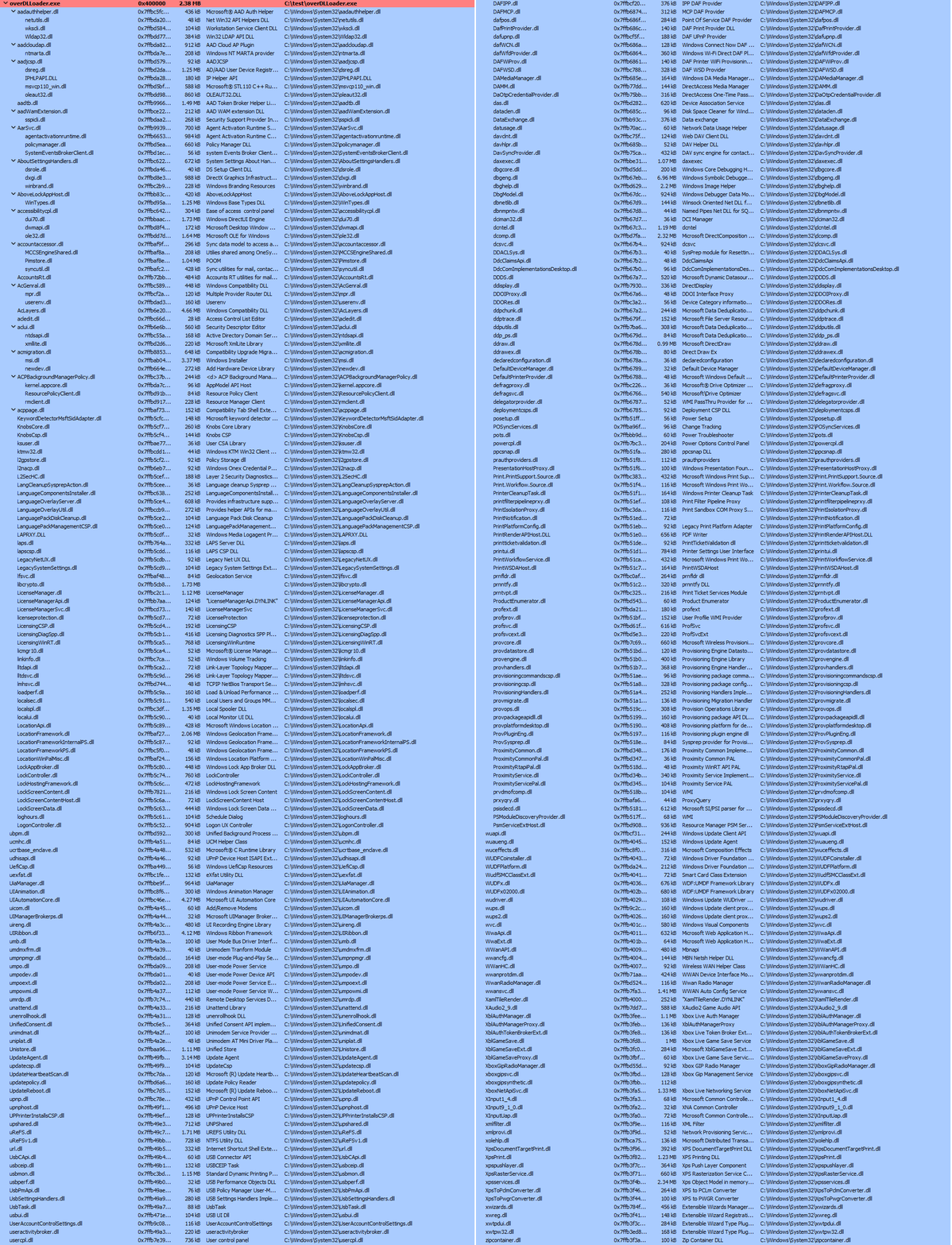
With a bit of python foo and fasm compilation magic, I was able to build this monster (79K APIs):

I am not 100% sure it is a correct PE file (in terms of all structures filled in properly), but it seems to run on windows 11 (with a caveat that it reports a critical error).

If you are wondering what is the purpose of this exercise, I’d like to throw a few ideas:

  • linking to many OS-dependent libraries could be an interesting guardrail technique
  • it may break tools (it would seem it breaks python’s pefile module and it causes problems to decompilers)
  • it is a great learning exercise about a PE file format; after so many years of dealing with it I am still surprised how much I don’t know about it

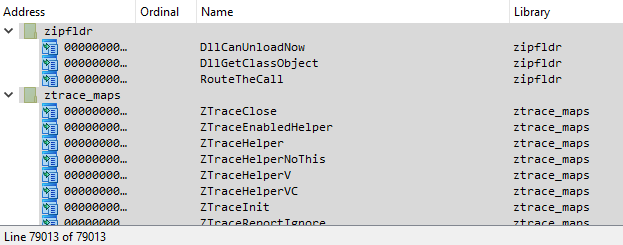
And here’s the import table as seen by Ida:

An attempt to copy these function names to clipboard pretty much freezes the program.